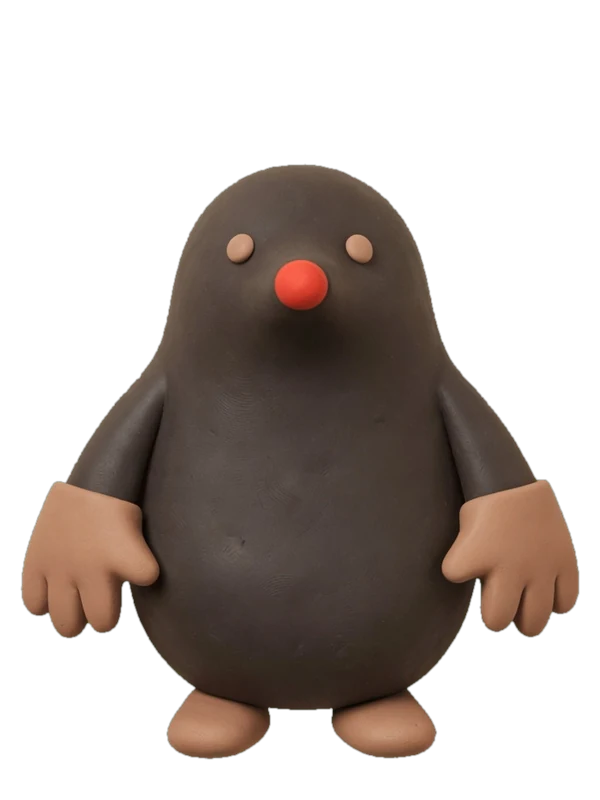

Give your ideas a face.

illo skill is an agent skill that turns your articles and abstract ideas into original editorial illustrations — giving each idea a face with a recurring character. Blot ships in the box, community packs add more faces, and every character carries its own print look. No stock art, no prompt fiddling.

Works in Claude Code, Codex, Hermes, and OpenClaw
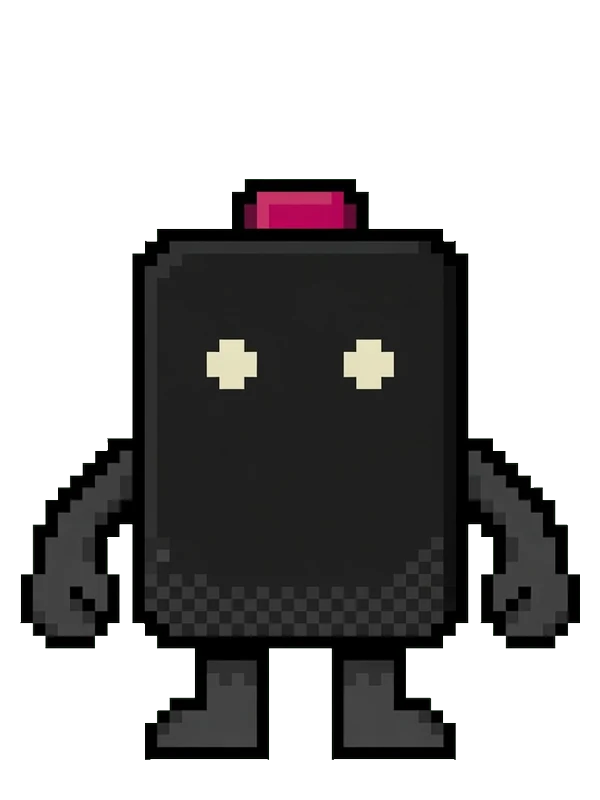
you type: /illo many inputs become one decision

you get:
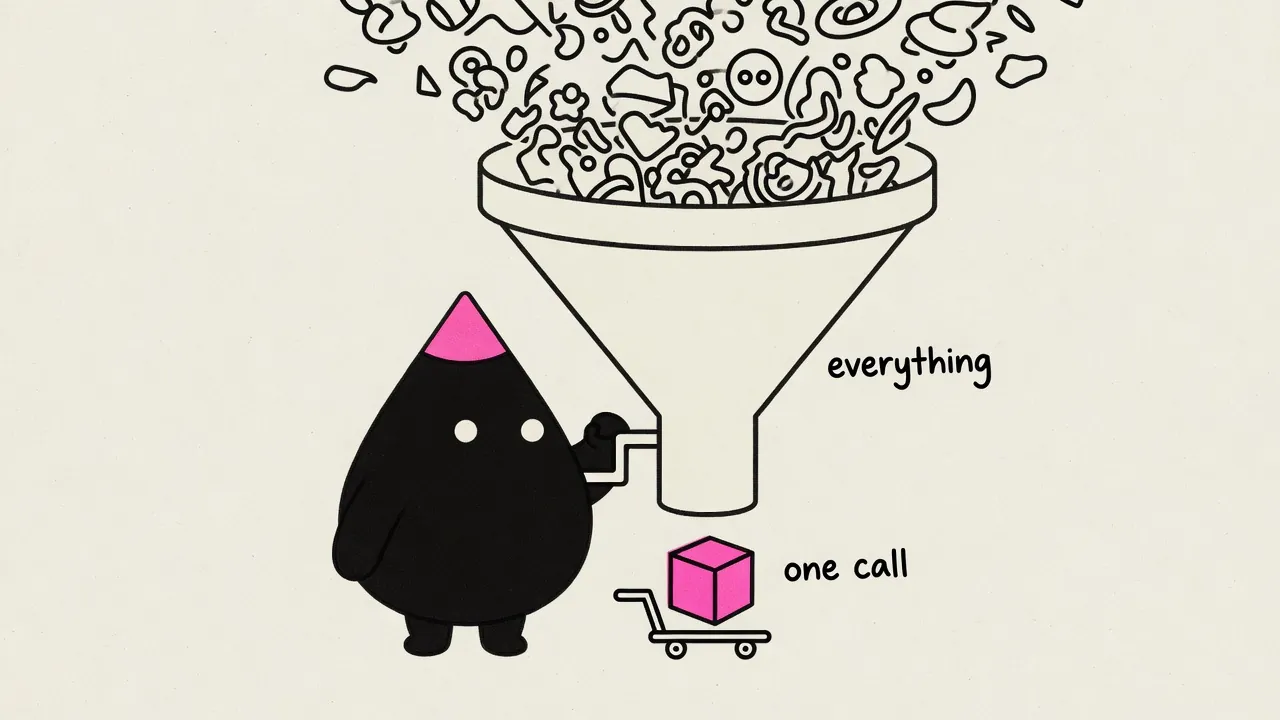
Editorial illustration: a mascot cranks a huge funnel turning many shapes into one cube

Overview

four ways illo renders an idea

Scenes stay the default. Say the word for a mini-comic, an explainer diagram, or a cutout — or hand it a URL and let the skill route the whole set. Read the guide →

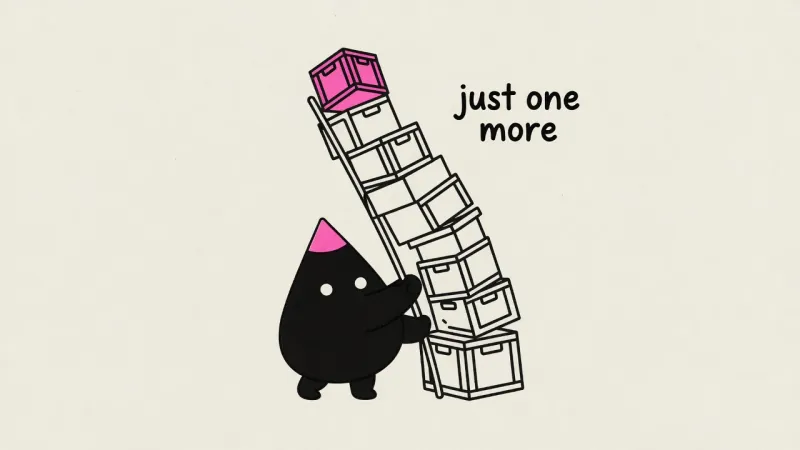
Editorial scene: scope creep as a leaning tower of crates

the default

Editorial scenes

One caught moment — the mascot performing the idea.

/illo you are the bottleneck

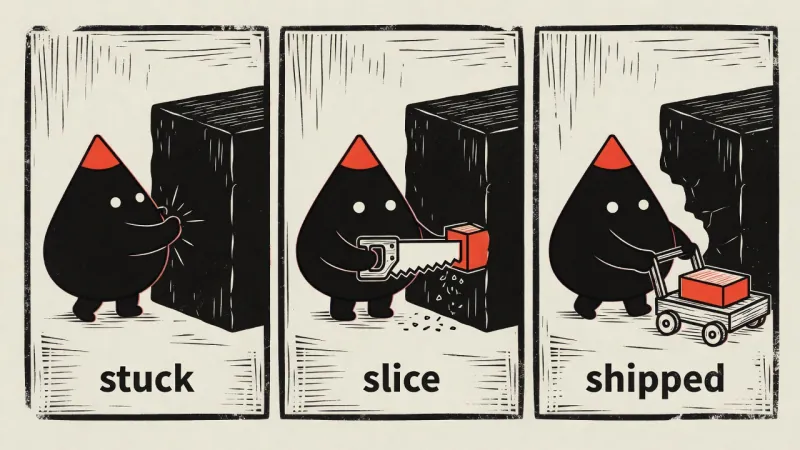
Three-panel woodcut mini-comic: stuck, slice, shipped

when the idea moves

Mini-comics

2–4 panels in one image — before→after, fail→fix.

/illo stuck → slice → shipped as a mini-comic

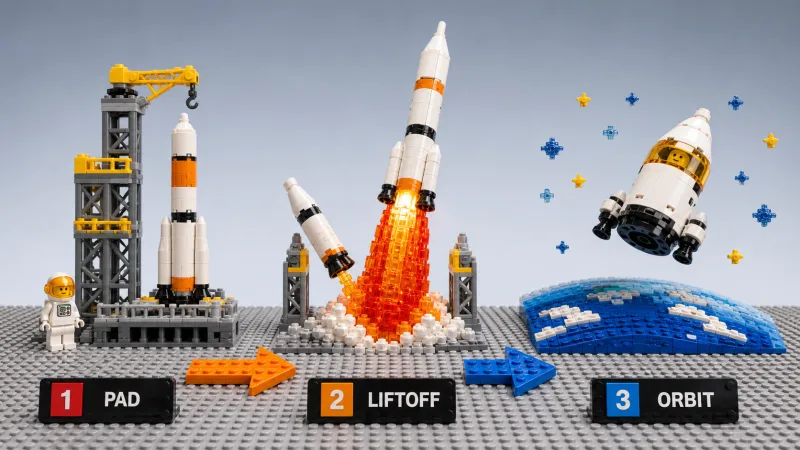
Explainer diagram in bricks look: pad, liftoff, orbit — three big beats on one baseplate

when the structure is the point

Explainer diagrams

Flows, timelines, loops — traceable, not PowerPoint.

/illo how a book gets published explainer diagram

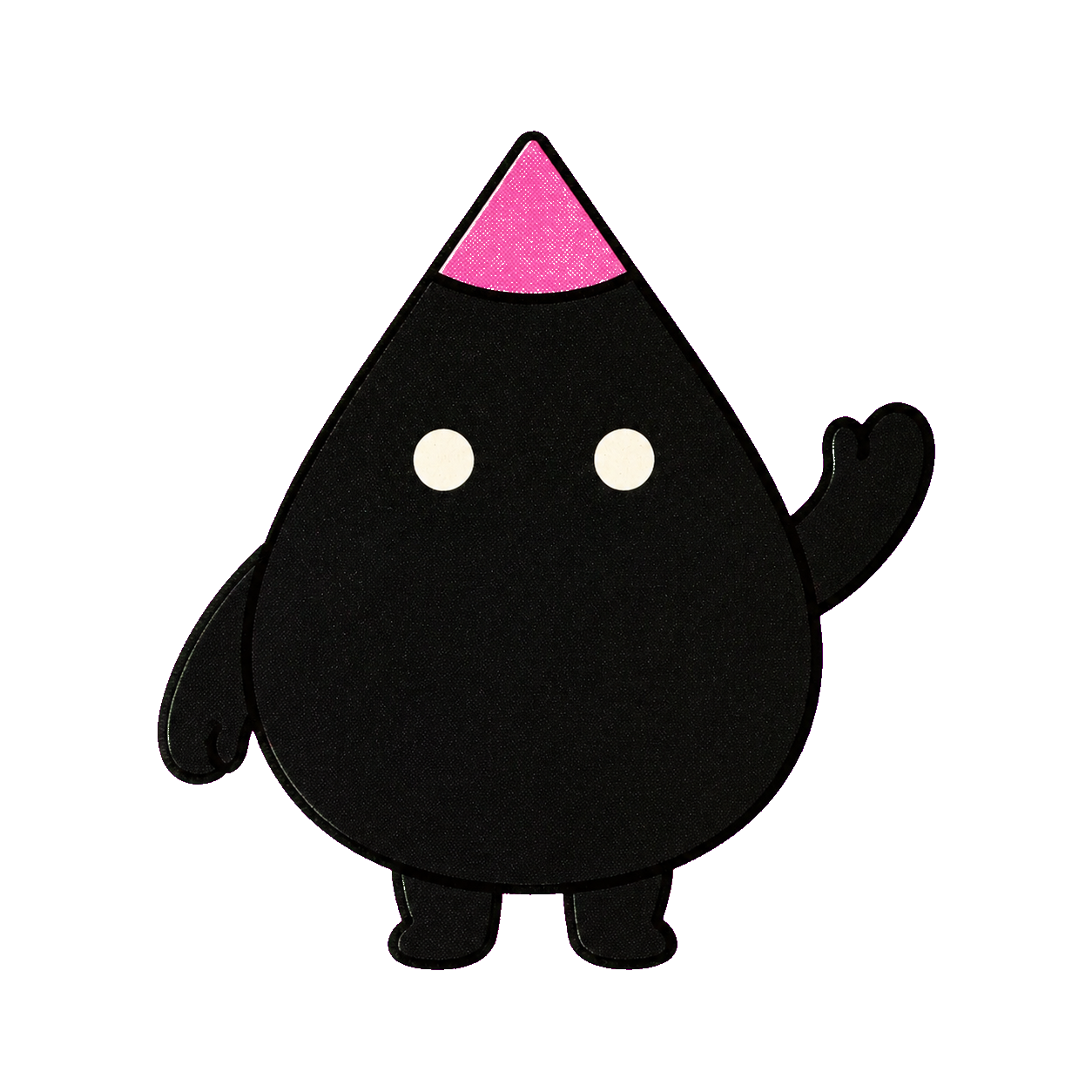
Blot character cutout — mascot alone for overlay

just the mascot

Character cutouts

Transparent PNG — pose only, no scene or text.

/illo blot cutout waving

Examples

Editorial scenes, mini-comics, explainer diagrams, cutouts — any aspect ratio, in your palette or your brand's.

See all examples →

click any example to enlarge

Character packs

49 packs · 15 looks — recurring mascots you install by name, each with its own print look. bricks & fizz are the newest.

Browse all 49 →

Install

Two things to bring:

got the Codex CLI signed in? the second one's on the house

A coding agent with a reasoning model

Claude Code, Codex, Hermes, or OpenClaw — running a capable model like Opus or GPT-5.5. After each image renders, the skill shows it back to your model to check it against the idea and re-roll if it's off — so the model has to both reason and see.

An image backend — your call

Whatever agent you run the illo skill in, the image generation goes through one of two backends under the hood. Codex — got the Codex CLI signed in (it comes with a ChatGPT/Codex plan)? Free: the illo skill drives it to render gpt-image-2, no key, drawing on your Codex usage. OpenRouter — a key for model choice (Grok Imagine, Nano Banana, GPT Image, any by name), about a nickel an image.

# native plugin — updates managed by Claude Code

/plugin marketplace add tmchow/illo-skill

/plugin install illo@illo-skill

then try:

# a bare idea
/illo you are the bottleneck

# a whole post — hero plus inline art
/illo https://yourblog.com/shipping-discipline hero + 3 images

# add a character pack first
/illo install mole character pack

# then pick a shape and that character
/illo "Just taught my kids about taxes by eating 38% of their ice cream" square image using mole character

# optional: install all character packs
/illo install all character packs

Build your own character

Say /illo build a character — private by default, shareable if you want. Character packs →

Questions

What does it cost?

The skill itself is free and open source — and whatever agent you run it in, the image generation goes through one of two backends. With a Codex or ChatGPT plan it's free: the illo skill drives your signed-in Codex CLI to render gpt-image-2, no per-image charge — it just draws on your Codex usage. Want a choice of models instead? Run it through your own OpenRouter account — pay-per-image, around a nickel each (6–25¢ by model), a full blog post under $0.50.

Do I need a config file?

Barely. With the Codex CLI signed in, nothing — the illo skill detects it and asks which backend you want the first time. For OpenRouter, run illo.py init once to store your key in ~/.config/illo/config.yaml (mode 600); the illo skill never reads it from the environment. The same config also holds optional defaults you'd rather not repeat: backend, model, default character, a watermark with your handle.

Which image models does it use?

On the Codex backend it's automatic — Codex's built-in gpt-image-2, no model to pick. On OpenRouter you choose: Grok Imagine by default (in testing, the boldest print texture and strongest character lock at the lowest cost), with Nano Banana 2/Pro, GPT Image, or any image-output model on OpenRouter by name.

Do I have to share my character?

No. Characters you build are local folders on your machine — private by default. Sharing one in the community repo is optional, and you keep authorship and credit when you do.

What is a character cutout?

A cutout is a transparent PNG of the mascot alone — pose and contact continuity only, no scene or text. Ask for /illo blot cutout waving when you need a sticker to paste onto slides, docs, or another design. Guide →

Scene or explainer?

Scenes are the default — one caught moment that makes the reader feel the idea. Explainers are hand-built flows, timelines, or stacks the reader can trace. Ask for an explainer diagram when the structure is the whole point — e.g. /illo how a book gets published explainer diagram. Guide →

Which agents does it work in?

Anything that speaks the Agent Skills format (SKILL.md): Claude Code, Hermes, OpenClaw, and friends. The engine is a single stdlib Python script — no installs beyond python3.