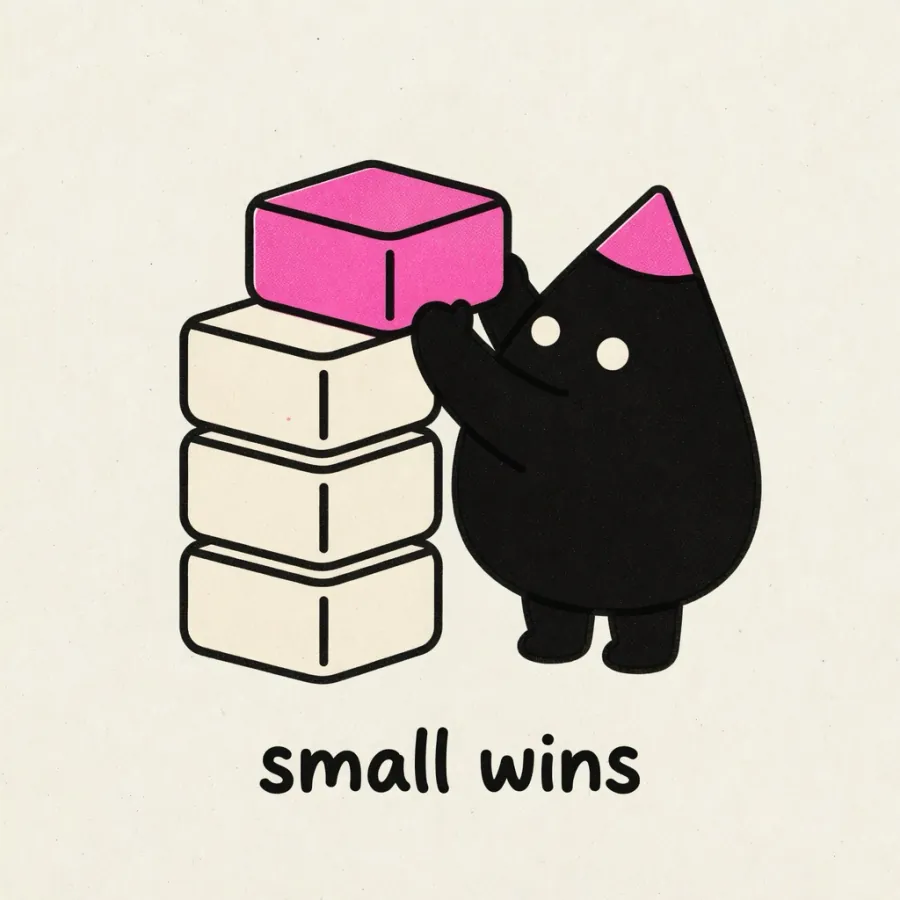
Four ways illo renders an idea — pick the register, or let the skill choose.
Everything below came out of the skill with no manual editing.
Guide →
the default
Editorial scenes
Hand the illo skill a post about shipping discipline and it pulls the load-bearing
moments — then renders one scene per moment, ready to interleave through
your prose.
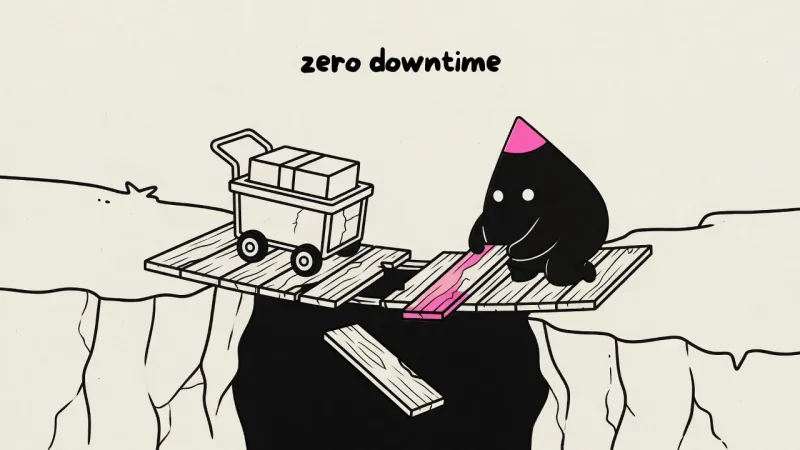
“scope creep has a smell”“many inputs, one decision”“replatform with zero downtime”
One character, one palette across the whole set — so the article reads as one voice.
When to use scenes →
newest look
SNES
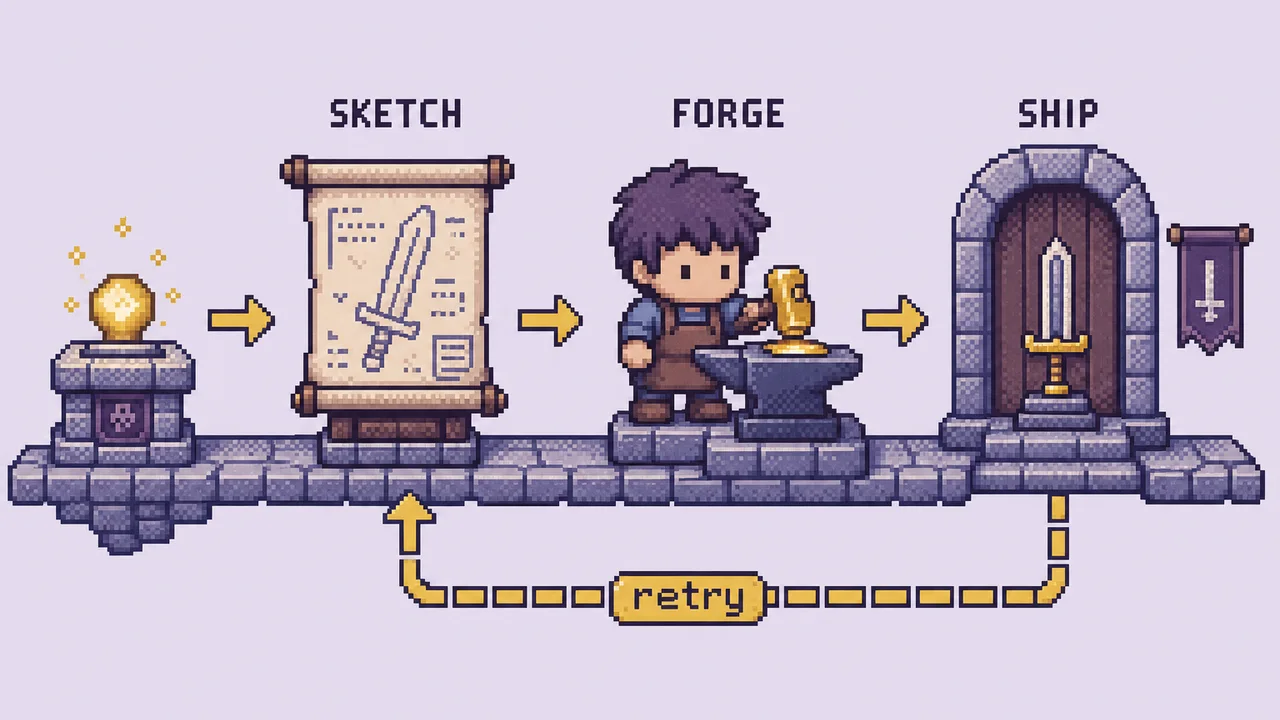
16-bit console sprite editorial — soft dither, game-world staging, and
a four-pack cast (matt, ybur, forge, booboo). Also still shipping: bricks
for photoreal minifigure builds, and fizz for skate-sticker ship-day energy.
snes · matt — “checks the path ahead”snes · booboo — “tries the spell”
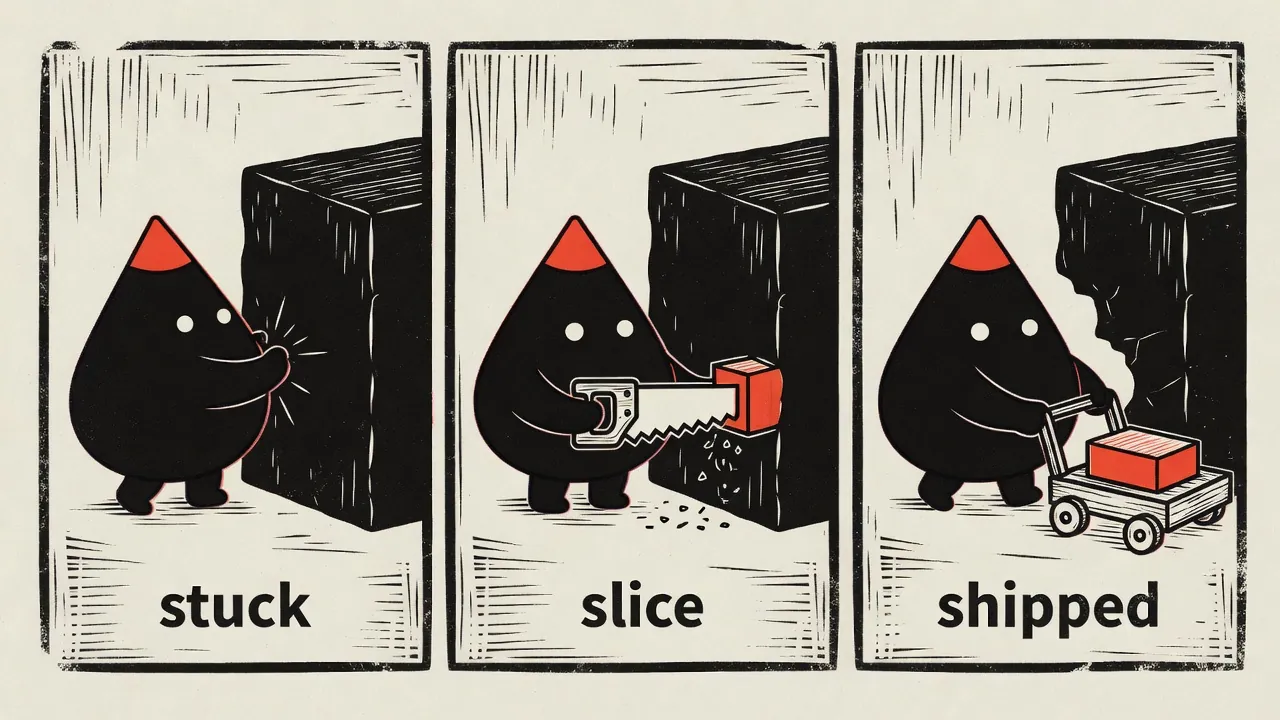
A story beat — fail→fix, before→after — told in 2–4 panels inside a
single image. The same character and key object carry through
every panel. A named pipeline is labeled stages inside explainer, not this.
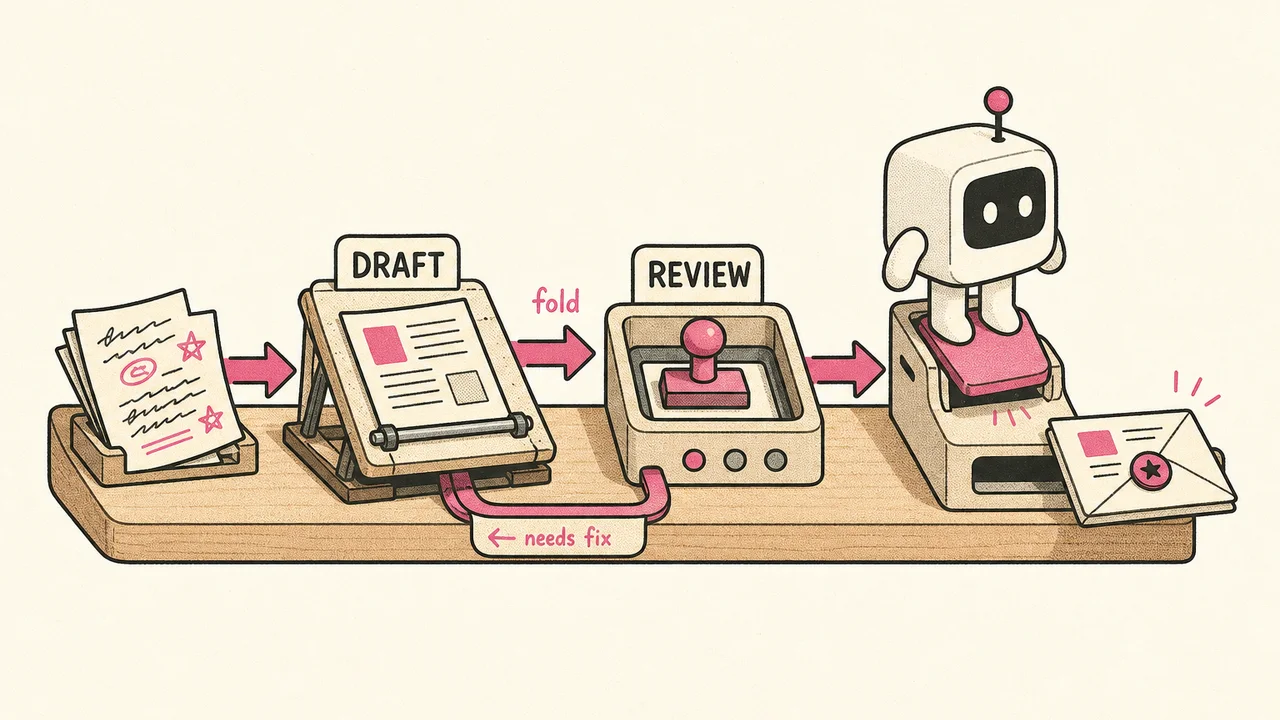
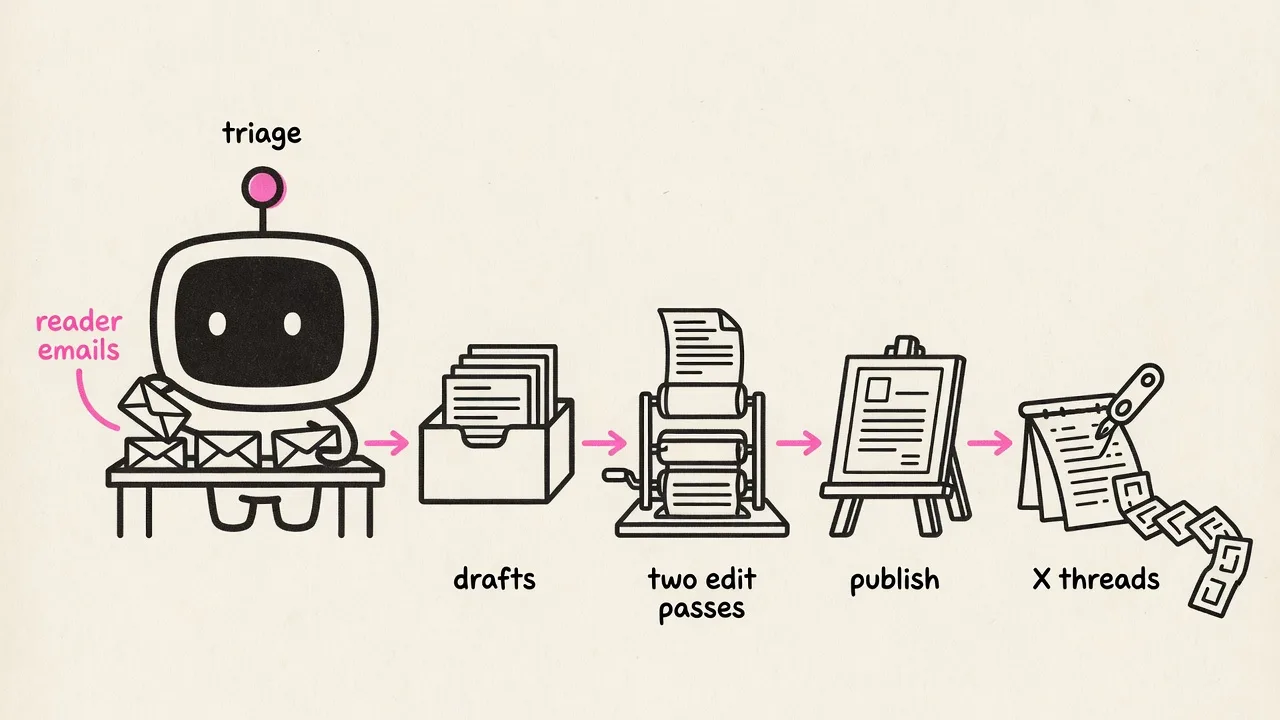
One register for labeled stages, flow, fan-out, timeline, loop, stack, or
system slice — a diagram the reader can trace that still looks like the
illo skill drew it. Scenes stay the default; ask for an
explainer diagram when the thesis is the structure itself — e.g.
/illo how a book gets published explainer diagram.
A flowchart or labeled workflow locks labeled stages, not a mini-comic.
Arrow notes sit on the arrows: a verb on the main flow, a condition on the return.
“Using Blip, make a flowchart of how a newsletter issue ships”“Sort incoming mail into keep, later, and trash as a fan-out, using Blip”“pad → liftoff → orbit”“Diagram the pipeline from a raw idea to a shipped tool. Use Forge.”“diagram our content pipeline”
Wide 16:9 for articles and headers, square for social cards, 9:16 and 4:5
for vertical feeds — say where it's going and the illo skill sizes the scene to fit.
For an X Article banner, ask for the dedicated
1536 × 640 format.
16:9 · article header1:1 · social card
hand it one brand color
Palettes that match your site
Named presets, palettes extracted from your blog's theme, or a full palette
derived from a single hex — the scenes below came from
/illo scope creep has a smell emerald green accent
and “make it royal purple”.
emerald green accent“make it royal purple”
same character, dressed for the destination
for X — the bold house palettefor the blog — its own theme colors